

In India, people prefer placing bets from their phones. During live broadcasts this is more convenient, but at peak moments websites often slow down or become unavailable. In a browser, the bet slip is easily reset when switching tabs or receiving an incoming call. The official app solves these problems: it launches quickly, keeps cricket live streaming stable, sends instant push notifications about odds changes, and allows you to place a bet in just two taps while saving data traffic.
This article explains how to set everything up once in just a few steps and enjoy the game without unnecessary stress.
What MelBet Apps Are Available
MelBet offers two mobile apps — one for Android and one for iPhone and iPad. They replicate the full functionality of the website: pre-match and live betting on cricket and football, esports, a quick bet slip with payouts in INR, a promotions section, and MelBet Casino on your smartphone. The interface is simple, the path to placing a bet is short, and the bet is completed without unnecessary steps. Installation and login details will be covered in the next chapters.
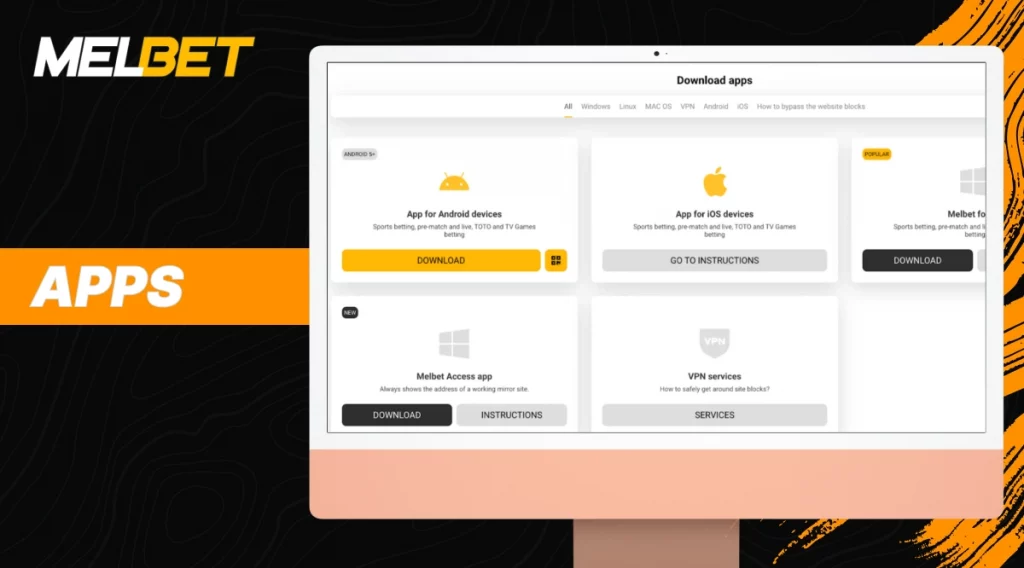
In addition to mobile clients, there is a desktop application for computers with the same set of markets and live events. MelBet also provides MelBet Access, a utility that shows the current working mirror address and helps maintain access when the site is blocked — essentially solving the problem of bypassing restrictions.
Is Your Phone Suitable for the MelBet App
Before installation, it’s important to check your device against the minimum requirements. This ensures stable performance, fast line loading, and correct display of sections. When the parameters are met, the client keeps live betting smooth and does not interfere with parallel casino play.
Android and iOS Requirements
| OS | Minimum requirements | Size | Free memory | Installation | Compatibility |
| Android | Version 5.0 or higher. ARMv7 processor and above | APK 71.1 MB | At least 200 MB | APK from the official website. One-time permission to install from unknown sources | Supported by most popular Android smartphones |
| iOS | Version 12.0 or higher | ~525 MB | At least 200 MB | Download from App Store. Login via Apple ID | iPhone, iPad, iPod touch. Supports Face ID/Touch ID |
If your device meets these parameters, the app runs stably, lines load quickly, and all sections display correctly. It’s recommended to keep at least 15% of storage free and enable auto-updates.
MelBet PC App Requirements
This is a standalone program for betting and live events. It is downloaded from the official MelBet page. Nearby, MelBet Access is also available — a utility that helps maintain access if the site is blocked.
| Parameter | Requirement for stable performance |
| OS | Windows 10 or 11, x64 |
| Processor | Dual-core 2.0 GHz or higher |
| RAM | From 2 GB, preferably 4 GB or more |
| Disk | At least 300 MB for installation and cache |
| Network | Stable 4G or wired internet connection |
| Installation | Setup.exe file from the official MelBet PC page |
Suitable Devices for Installing MelBet
The client runs smoothly on most mainstream models. A top-tier configuration is not required. What matters more is an up-to-date operating system, enough free memory, and a stable internet connection.
On Android, the Samsung A and M series, as well as recent S models, work reliably. Xiaomi, Redmi, and POCO are compatible, while Realme, OnePlus, and Pixel devices also perform well. Entry-level smartphones handle the app if they have at least 200 MB of free memory and a decent network signal.
On iPhone, things are straightforward. Devices running iOS 12 or newer—starting from about iPhone 7—are supported. iPads with iPadOS from the fifth generation onwards are also suitable. Biometric login speeds up access without interfering with transaction confirmations.
Suitable Devices for PC
The desktop client is designed for everyday laptops and office PCs. The key requirements are an up-to-date system, a small amount of free disk space, and a stable internet connection. Budget models are fine if you follow basic setup tips.
Where to Download and How to Install MelBet in India
Always download the software only from the official source. This eliminates the risk of infected APKs and ensures timely updates.
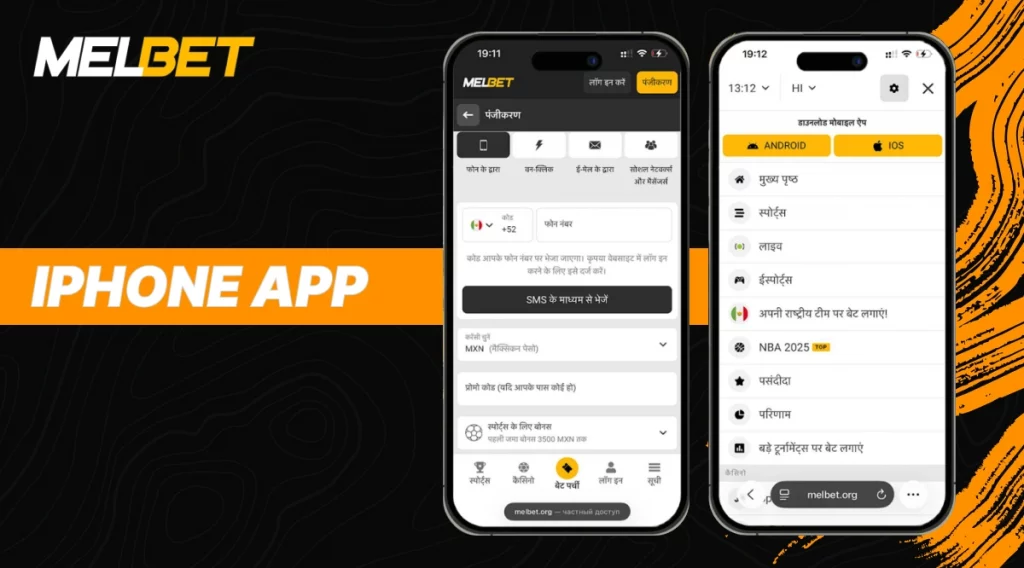
Android Installation
- Open the official download section and prepare your phone.
- Tap Android to download the MelBet APK.
- Open the file from the Downloads folder.
- Allow installation from unknown sources once.
- Install the client and launch it.
- Log into your account, then enable biometrics and league push notifications.
iOS Installation
All steps go through the App Store on iPhone and iPad.
- Open the App Store and search for MelBet iOS.
- Tap Get and wait for the installation.
- Launch the app and sign in.
- Enable Face ID or Touch ID and notifications.
PC Installation
A dedicated desktop client is also available.
- Visit the official PC download section.
- Download the installer, run it, and complete the setup.
- Open the client and log into your account.
- Enable auto-updates and, if needed, install MelBet Access for quick entry via the current address.
MelBet App Functions
The focus is not on installation or mirrors, but on how the MelBet mobile app helps you make decisions. Live moves fast, which means tools are valued that shorten the path from an idea to a selected market and reduce the risk of mistakes when odds fluctuate.
Instead of generic claims about speed, the details matter. There are favorite tournaments and teams, flexible push notifications by events and markets, bet history with filters by leagues and settlement time, and a dark theme for night matches. Odds formats and stake rounding can be adjusted. Auto-accepting odds changes is available: only when improved or with any movement. Pre-set stake amounts simplify betting through the MelBet mobile app in hot live scenarios. Cashout works where allowed by market rules, helping to secure a result before the final whistle. For analysis, you can use match progress feeds and basic period statistics to read the game in context rather than just by score.
Practical benefits are clear in situations such as:
- Pinning favorite leagues and receiving personal notifications;
- Auto-accepting odds in aggressive live;
- Quick pre-set amounts in the bet slip for pre-match and live;
- Cashout during volatility;
- Settlement history with search by markets;
- Dark theme and compact outcome cards.
Advantages and Disadvantages
In live betting, pace and screen clarity are decisive. The MelBet mobile client shortens the path from analysis to bet, keeps the match context in one window, and provides tools for risk control without distraction.
Strengths:
- Shorter path from analysis to bet: stake presets, auto-acceptance of odds changes, fast bet slip.
- Higher screen informativeness: match progress feed, period metrics, compact outcome mode.
- Dynamic risk control: early position closing on supported markets.
- Focus without noise: fine-tuned alerts by leagues, teams, and events.
- Multitasking: simultaneous viewing of several matches without unnecessary switches.
Limitations:
- Initial setup is required to match playstyle, otherwise part of the advantages are lost.
- On weaker devices, responsiveness drops when many matches are open.
- Extra alerts without filters overload attention.
- Early cashout is not available on all markets and tournaments.
- Without completed verification, operational restrictions apply.
User Reviews of the MelBet App
Before installation, it’s important to see real experiences. Below are genuine comments from those who use the client daily for betting, esports, and games.
- One user noted the fast bet slip creation, predictable settlements, and useful notifications: alerts on key moments help keep up with the live line dynamics.
- Another user highlighted the convenience of a unified interface: betting and casino features are at hand, fingerprint confirmation speeds up actions, and the mobile version works stably.
- A third user is generally satisfied with the format: it’s comfortable to analyze and place bets from a smartphone without extra screen switching.
These reviews show practical benefits: the client saves time and remains a working entry point even when the website is unavailable.
FAQ
Why is MelBet installed on Android via APK?
Google Play restricts betting apps, so the Android version is installed from the official MelBet APK file. The file is signed, receives updates, and reduces the risk of counterfeits, ensuring correct operation of the client and its services.
The MelBet mobile app won’t launch. What should I do?
Updating the OS, clearing the cache in client settings, and freeing up memory usually help. Restarting the device before a new session is also useful. If the error persists, reinstalling the latest version from the official MelBet website usually restores functionality; access is resumed after logging in.
Can I place bets in MelBet without registration?
Without an account, only the showcase is available: you can see the line and odds. To place bets, deposit funds, use cashout, or withdraw, registration and passing KYC are required.